
Commercial disclosure: We may earn a commission if you subscribe through certain links on this page.
The closest LingQ alternative for web reading is Readlang; for Netflix or YouTube subtitles, investigate Language Reactor; for narrated parallel texts, Beelinguapp; for a guided lesson habit, Duolingo or Babbel; and for a free local reading system, Lute v3. These are different solutions to different reasons for leaving LingQ—not a single universal winner.
Method: A US English-language consumer shortlist based on official product documentation and counterexamples from public user discussion, checked October 22, 2026. No app in this guide was hands-on tested by HomeChoiceWorks. A feature claim establishes advertised function, not better language-learning results. Exact supported languages, devices, content rights and paid terms should be checked in each product before purchase.
First identify what makes LingQ a poor fit
LingQ combines reading/listening, saved vocabulary, a content library and personal imports, according to its feature comparison. Some users appreciate that all-in-one approach; a public discussion of learner experiences also records friction around price, mobile handling and curation. The more useful question is which friction you are trying to remove. If you do not name the problem, switching apps can simply exchange one inconvenience for another.
| What you want to change | Start by evaluating | What you give up or must check |
|---|---|---|
| Simpler click-to-translate reading and cheaper paid access | Readlang | Less of LingQ’s single-platform course/library experience; check your media needs. |
| Studying Netflix/YouTube subtitles on a computer | Language Reactor | Browser, supported streaming content and captions are prerequisites. |
| Curated stories with side-by-side translation and audio | Beelinguapp | Content comes mainly from its own catalogue, not your arbitrary imported book. |
| A fixed, low-friction daily lesson habit | Duolingo | A guided pathway is less flexible for reading your own material. |
| Guided lessons with explicit speech exercises | Babbel | Check your learning language and the course-specific speaking features. |
| Free software and ownership of a local reading setup | Lute v3 | You manage installation, computer access and local maintenance yourself. |
Evidence for the table: Linked first-party Readlang feature documentation, Google Chrome extension listing, Beelinguapp, Duolingo, Babbel help and the open-source Lute project. The “good for” suggestions are editorial interpretation of those functions, not outcomes measured head-to-head.
Readlang: a focused alternative if the reader matters more than the dashboard
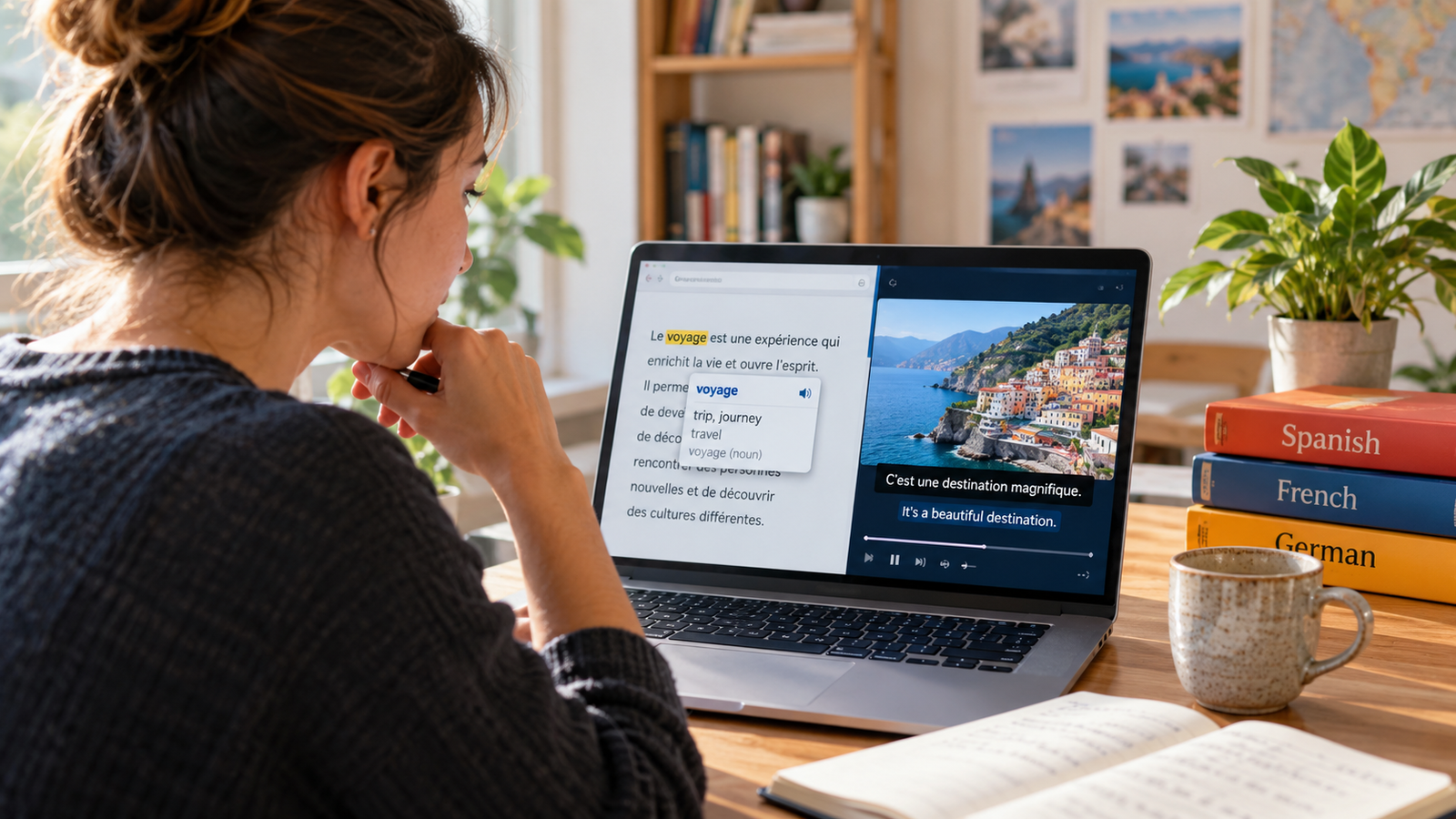
Readlang’s own feature page describes an online eReader, click-to-translate web reader, flashcards, vocabulary export and a video player with transcripts. It is a strong candidate when the main reason to use LingQ was reading foreign-language text while looking up new words quickly.
The current Readlang pricing page lists unlimited single-word translations on Free, with 10 phrase translations and 10 contextual explanations per day. It lists Premium at $6/month or $48/year on its web page. Compare this with LingQ Premium’s $14.99 monthly web list price only if the core tasks you need are genuinely comparable; a cheaper app that lacks your must-have import workflow is not better value.
Consider Readlang if: you mostly read text and want lower subscription exposure. Do not switch blindly if: LingQ’s library, audio playlists, particular import types or progress visualization are the whole reason you subscribe. Test your own representative material before migrating vocabulary records.
Language Reactor: when your ‘reading’ is really subtitles
The official Chrome Web Store listing describes dual-language subtitles, popup dictionaries and video playback controls for Netflix and YouTube; it specifies Chrome on desktop/laptop Windows or macOS. It also describes an import/text mode, so it is not strictly video-only. That source does not verify identical capabilities on phones, all browsers or every streaming title.
Choose this path when you already use compatible subtitled videos and want sentence-level playback controls where you watch. Keep LingQ or another reader when your main study is long ebooks or a broad personal library. Expect access and caption quality to depend on third-party platforms and content, not solely the extension developer.
Beelinguapp: when you want an easier entry into narrated stories
Beelinguapp’s official product page describes parallel reading, narrated stories and news, a curated library, glossary, flashcards and comprehension questions. It promotes access on iOS and Android, including a free starting experience. Its product promises are not independent evidence that its lessons produce a particular proficiency gain.
This suits a learner who spends too much time finding or cleaning up texts to import into LingQ. The trade-off is control: if you want to upload your own specialist articles and treat them as the main course, confirm the importing capabilities first instead of assuming Beelinguapp duplicates LingQ. Also confirm your preferred study language and which library items require payment.
Duolingo or Babbel: when the real problem is lack of structure
Duolingo’s official homepage describes short, game-like lessons, motivation features, a personalized path and free access. It can be a better match for someone who wants the app to answer “What should I study next?” rather than selecting audio and reading material independently. This does not establish equivalent content import or guided reading depth.
Babbel’s getting-started guide describes placement, sequenced lessons, vocabulary review, podcasts and speaking features. Its speech-recognition help notes that pronunciation feedback occurs in lessons with supported exercises, while Guided Conversations are limited to particular languages, levels and mobile use. That constraint matters more than a generic promise that an app “teaches speaking.”
Duolingo offers a different pathway for building a routine; Babbel is a better research candidate when explicit lessons and spoken-response exercises are priorities. Neither replaces personal-content reading automatically. Their paid plans and language-specific entitlements were not normalized to LingQ here, because market and course differences would make a superficially exact price contest misleading.
Lute v3: free, local, and not frictionless
The Lute project homepage identifies Lute as free, open-source software installed on your own machine to study foreign-language text; the current v3 repository identifies its Python-based reading tool and installation documentation. This removes subscription dependency for the reading system itself but shifts setup, storage and maintenance to you.
Good fit: technically comfortable readers who prefer local tools and are willing to configure dictionaries and manage their own material. Poor fit: someone who wants a turnkey phone app and publisher-maintained content library. “Free software” does not mean zero time cost or zero responsibility for backups.
Switching cost is not just the new subscription fee. Determine what your current LingQ account can export, what format the candidate can actually import, and whether word status, audio links, annotations and learning history survive. Do a small sample transfer; do not assume complete compatibility just because both apps mention flashcards.
Could you simply keep LingQ and add a second tool?
Yes, if the friction is narrow rather than fundamental. For example, keep LingQ as a reading archive but use a video-specific browser tool for subtitles, or keep a structured daily course and use LingQ for optional reading practice. The trade-off is time, coordination and potentially multiple subscriptions. A public learner discussion includes reports of people combining resources rather than treating one app as a complete learning system; those are individual reports, not evidence of educational superiority.
If cost is the friction, start with Readlang Free or the free Duolingo pathway and test consistency before paying anyone. If importing a specific copyrighted video, article or ebook is essential, check lawful access, platform restrictions and whether that exact content type is accepted. Apps cannot promise that third-party content will remain available.
A decision test before you cancel LingQ
- Pick one concrete study task you repeat three times a week—for example, read a news article, follow a subtitled interview, or complete a speaking lesson.
- Try that exact task in two candidate tools; note the number of awkward steps, usable content and whether you would return tomorrow.
- Compare the free limits and real checkout total for the one feature you need—not every published feature.
- Check which language, browser, device and subscription term are actually supported.
- Review LingQ’s downgrade and data-retention terms before canceling; do not delete an account merely to test an alternative.
If LingQ’s integrated collection of readings, audio and saved words already supports a habit you maintain, switching may save money but add enough workflow friction to cancel the benefit. If you mainly want a single task—a text reader, subtitle player, curated bilingual story or guided short lesson—a focused replacement can be more rational.
Compare LingQ itself before making the switch
Which alternative should you shortlist first?
Readlang for everyday reading cost and simplicity; Language Reactor for desktop subtitle control; Beelinguapp for narrated bilingual stories; Duolingo or Babbel for an app-led progression; Lute v3 for a self-hosted reading route. These are conditional starting points, not tested rankings. The best choice is the one that removes your actual bottleneck without giving up the feature that keeps you studying.
Sources and currency: Readlang pricing, Readlang features, Chrome extension, Beelinguapp, Duolingo, Babbel support, Lute v3. Checked October 22, 2026. No blanket claim about worldwide prices, availability or learning outcomes is made.
Keep researching
More decision guides from the same topic area.

Ham Radio License Cost in 2026: FCC Fees, Exam Fees and Real Budgets
In the US, the government application, exam session, and study materials are separate costs. As checked in October 2026,…
Read guide →
Ham Radio License Online: How Remote Exams Actually Work in 2026
Yes, you can take a US amateur-radio license exam online, but it must be a remote, video-supervised examination run…
Read guide →
Ham Radio Study Guide for 2026: Books, Free Tests or Video Courses?
For US Technician preparation in October 2026, start with materials explicitly aligned to the 2026–2030 Technician question pool. A…
Read guide →