
Commercial disclosure: We may earn a commission if you purchase through certain links on this page. Commission terms should be confirmed at checkout.
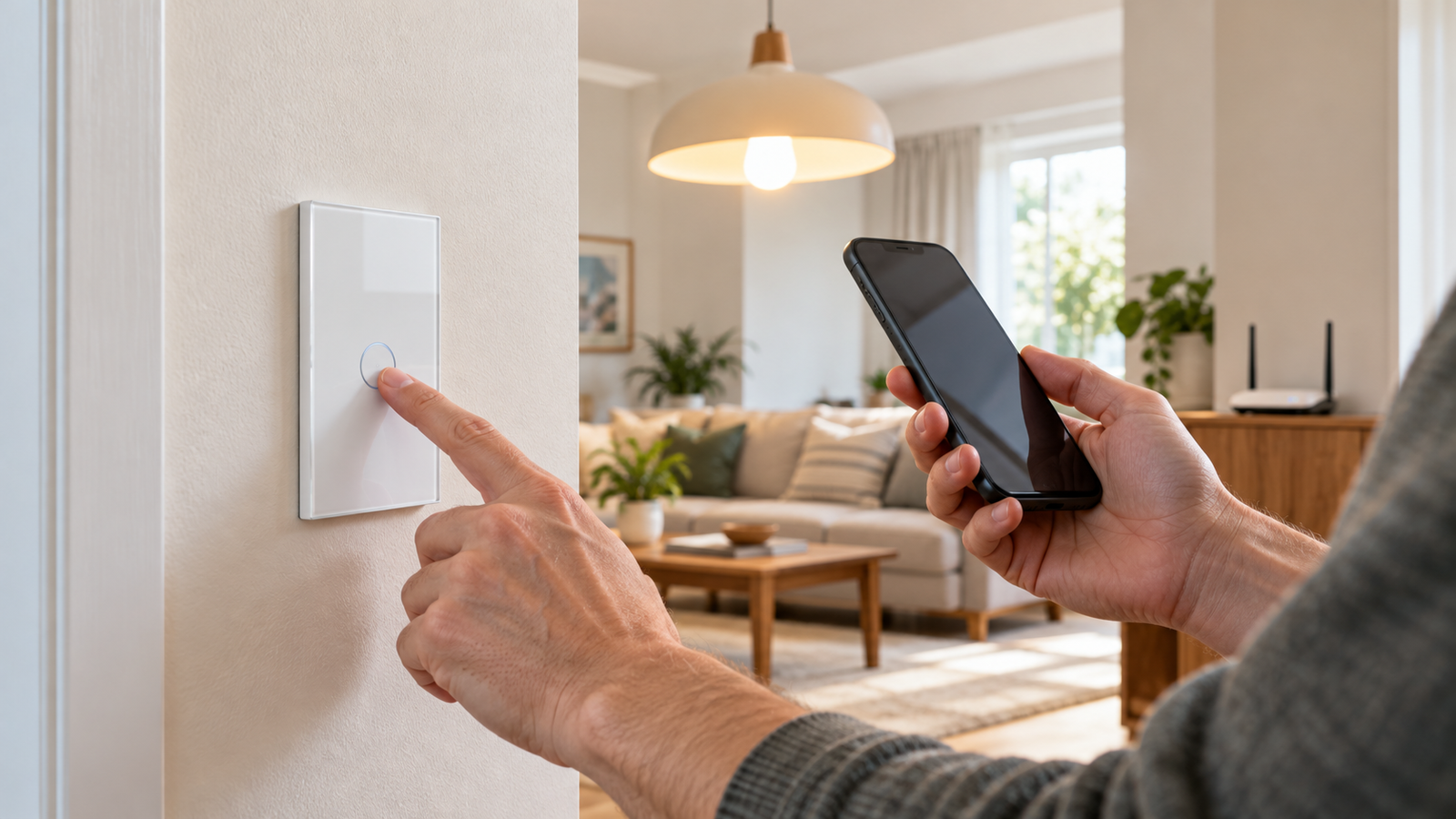
A MOES switch that is “offline” in an app is not automatically defective. Identify whether it is Wi-Fi, Zigbee or Matter; establish whether the wall switch still controls the light; and investigate the matching network layer before resetting or replacing hardware. Stop and call an electrician for unusual heat, smell, sparking, repeated breaker trips or unreliable physical switching.
First separate an app problem from an electrical one
Record the model/SKU, radio type, app or coordinator, what the indicator and physical switch do, and when the dropouts started. Does the lamp still respond immediately to a physical press? Does one device fail or do several fail together? Did you change your router, password, hub or Home Assistant coordinator? A light that behaves normally locally while the app displays “offline” points to a different investigation from a switch that no longer controls its load.
| Observed pattern | Likely area to investigate first | Low-risk check / escalation |
|---|---|---|
| Single MOES Wi-Fi switch disappears; physical button works | 2.4 GHz coverage, router/client connection, internet/app service, device provisioning | Check the switch model’s Wi-Fi band and the router client list; compare another device on the same SSID before changing hardware. |
| Several Wi-Fi switches go offline together | Router, access point, internet reachability or cloud/app layer | Check whether the home network and other internet devices are healthy, then router changes or service status. |
| Several Zigbee devices lose contact; gateway also offline | Gateway power, network uplink, coordinator or mesh | Confirm the gateway itself is connected first; moving/repositioning the coordinator can diagnose interference. |
| One Zigbee device repeatedly loses contact; gateway is online | Weak mesh path, interference or device-specific compatibility | Check the gateway’s device/status view; investigate placement and compatible repeater routing before destructive re-pairing. |
| Matter switch works in one app but not another | Matter controller, platform enrollment or feature-support differences | Verify the switch’s actual Matter-over-Wi-Fi variant and controller; do not treat every app symptom as a radio failure. |
| Physical light control fails, abnormal sound or heat | Electrical hardware, load or installation | Stop troubleshooting in software; have a qualified electrician inspect it. |
For MOES Wi-Fi switches: confirm the network that model actually uses
The MOES 100–120 V no-neutral Wi-Fi switch and the MOES 3-way Wi-Fi listing both specify 2.4 GHz connectivity. A recent router replacement, changed SSID/password, captive portal or isolated IoT network can affect re-connection. Check the router’s client table and compare a known-working 2.4 GHz device; a smartphone on 5 GHz is not proof of coverage at the switch. Avoid disabling home-network security wholesale just to pair one device.
If connection was never established, this is a pairing problem. If it worked for months and now drops daily, it is a recurring stability problem; note timestamps and whether the switch returns without human action. The sequence matters because factory-resetting first may erase scenes and paired associations without fixing intermittent radio coverage.
For Zigbee switches: the gateway and mesh must work together
First check whether the gateway/coordinator is online. Then check other Zigbee devices and their placement. Home Assistant’s Zigbee Home Automation documentation explains how 2.4 GHz interference, physical obstructions, weak mesh routing and coordinator placement can affect pairing or recurring operation. It recommends checking interference before changing Zigbee channels; moving the coordinator away from USB 3 equipment and nearby Wi-Fi routers can be useful in a Home Assistant setup.
A MOES Zigbee product may require a particular Tuya gateway for the advertised app functions: the MOES neutral-optional Zigbee switch listing explicitly says its Tuya Zigbee 3.0 hub is separate. A generic Zigbee label does not establish that the app will expose all device-specific scenes, multi-control associations or settings on every third-party hub. Keep hub/application expectations distinct from basic radio reachability.
Reset and pair only after identifying the exact model
- Write down device names, scenes, automations, switch grouping and other affected devices.
- Read the exact SKU’s manual or in-app instructions for the indicator meaning and reset method; button-hold timings vary, so avoid one universal “hold X seconds” rule.
- Check whether the device already belongs to another coordinator/network. Home Assistant notes that a Zigbee end device normally pairs to one coordinator at a time and may need factory reset before joining a different one.
- Retry adding the device only after the intended gateway is available and the appropriate pairing mode is known.
- Restore scenes and schedules after confirming that ordinary physical and remote operation is reliable.
This is a software/network decision sequence, not an instruction to remove a line-voltage switch or test energized wires. If the device has a physical/electrical symptom, use a qualified professional instead of repeated resets.
When is replacement the better answer?
| What you establish | Reasonable next decision |
|---|---|
| Many devices failed at the same time after a router change | Repair the shared network/configuration first; buying multiple switches would not address the common cause. |
| One switch repeatedly loses connectivity while comparable switches at the same location and on the same network remain stable | Collect its exact model, evidence of failures and support correspondence; evaluate warranty/service options and a compatible replacement. |
| Switch controls lighting locally but remote automation is unreliable | Choose whether remote control is essential; a simpler approved/manual option can be preferable for a critical household light. |
| Resetting fixes the symptom only temporarily and the underlying network appears healthy | Consider device/firmware compatibility and supplier support rather than treating endless re-pairing as a solution. |
Public experiences are mixed and model-specific. For instance, a 2022 r/smartlife discussion includes reports of MOES Wi-Fi units disconnecting and other users proposing network explanations. These are self-selected anecdotes, not a verified failure rate or evidence that all MOES switches are defective. Use them to formulate checks, not to pronounce a brand-wide reliability verdict.
What to keep if you contact MOES support
Save your exact SKU and firmware version if visible, purchase details, network type, whether local control functions, screenshots with dates, and the outcome of reversible checks. A support request is more actionable with the pattern “this single 2.4 GHz Wi-Fi device drops nightly while other clients stay online” than “all MOES are unreliable.” Warranty coverage, support channel and replacement availability must be checked against the terms of the actual order.
Recommendation: Diagnose shared failures at the router or hub, device-only failures at the device and its radio path, and physical failures as electrical issues. Replace hardware only when its reliability or safety remains unacceptable after the relevant, non-invasive checks.
Review MOES current models only if replacement is warranted
Method note: Hardware examples, Zigbee diagnostic principles and attributed community testimony were checked October 17, 2026. This guide does not claim a universal reset sequence or hands-on diagnosis of a reader’s installation.
Keep researching
More decision guides from the same topic area.
Meross Smart Switch: MSS510, MSS550 and Dimmer Fit for U.S. Homes
: choose the circuit before the switchFor a U.S. Meross wall-switch upgrade, first distinguish single-pole from 3-way control, on/off…
Read guide →
Meross Outdoor Smart Plug: MSS620BHK Fit, IP44 and Load Limits
: outdoor-rated is not waterproofThe current U.S./Canada Meross store lists the MSS620BHK as a two-outlet outdoor smart plug with…
Read guide →
How to Reset a Meross Smart Plug Without Losing Your Setup
Before you factory reset a Meross smart plugIf the plug still turns on and off from its physical button,…
Read guide →